How to Upscale Blurry 720p Anime on Crunchyroll and 9Anime
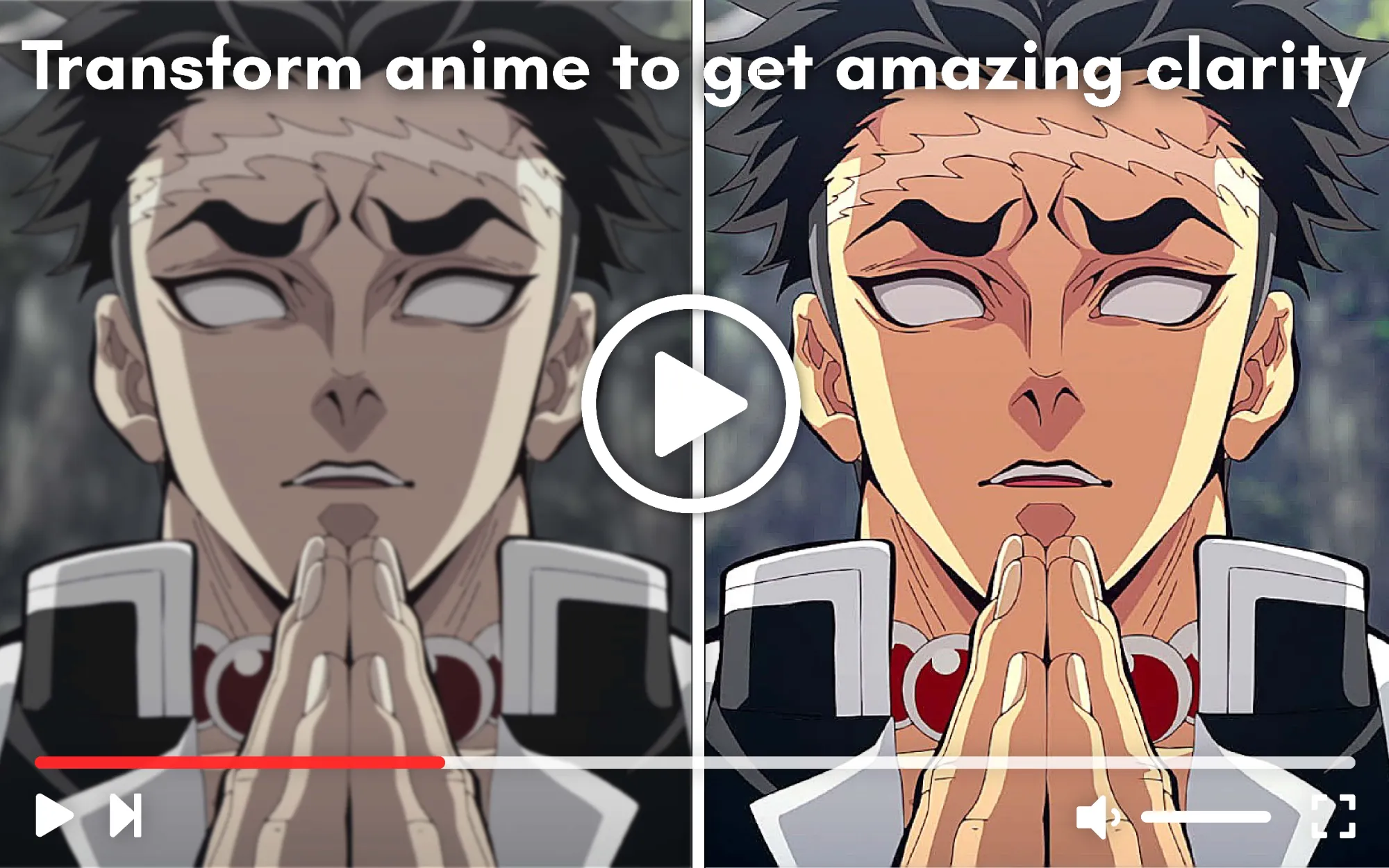
You finally sit down to watch a classic anime or catch up on a newly uploaded episode, but as soon as you make it fullscreen on your PC, it looks terrible. The character outlines are soft, the colors look a bit washed out, and there is a fuzzy "halo" around the text.
If you are watching on a 1080p or 4K monitor, lower-resolution anime can look incredibly pixelated. But you don't need to download the episode or use heavy upscaling software to fix it.
How to Sharpen Blurry Anime in Your Browser (The Quick Fix)
The easiest way to fix blurry anime is to apply a real-time sharpening and distortion filter directly to the web player.
You can do this using Video Quality Enhancer, a lightweight Chrome extension that runs in your browser. It uses smart CSS and SVG filters to tighten up line art and remove the fuzzy look of compressed anime, completely bypassing the need for a high-end graphics card.
Here is how to make your anime look crisp:
- Install the extension and click the puzzle icon while on Crunchyroll (or your preferred anime site).
- Increase the Sharpness slider (around 60-75 is usually the sweet spot for 2D animation).
- Push the Reduce Distortion slider up to 100 to clean up compression artifacts around the character outlines.
- Add a slight boost to Saturation to make the anime colors pop.
Why Does Anime Look So Blurry on PC?
Anime streams often look blurry on PC because many classic shows, and even some newer streams on lower-tier servers are natively capped at 720p or low bitrates. When your browser stretches this low-resolution video to fit a modern 1080p or 4K monitor, the lines become soft, and compression blocks appear.
Unlike live-action movies, 2D animation relies on solid colors and sharp black outlines. When these outlines are compressed by a streaming server, the blurriness is much more noticeable to the human eye.
Why Hardware Upscaling Isn't Always the Answer
If you search forums for how to upscale anime, people will usually tell you to do one of two things:
- Download local upscaling software (like Magpie or Topaz): This requires you to illegally download the video file, run it through heavy software, and wait for it to process just to watch one episode.
- Turn on Nvidia RTX Video Super Resolution (VSR): While VSR is a cool feature in Chrome, it requires a very expensive RTX graphics card. Worse, running it forces your GPU to draw a massive amount of power, turning your PC into a space heater just to watch a cartoon.
Video Quality Enhancer gives you that crisp, upscaled look natively in the browser without melting your GPU or requiring you to download video files.