An Interactive Demo: Use the Slider on the Video Below
The #1 browser extension to
Stop Watching Blurry Videos
Start Seeing Every Detail
Free forever ● Enhance unlimited videos ● 1 custom preset
"I can't watch videos without it anymore. It's a must-have."

Loved by Movie Buffs, Binge-Watchers, and Gamers
Works flawlessly on YouTube, Netflix, Prime Video, Disney+, HBO, ESPN, Twitch, Kick, SOOP, and any other website!
Built for a Flawless, Lag-Free Experience
Made exclusively for Chromium-based browsers for one simple reason: superior performance! Chrome, Edge, Brave, and Opera, allow the extension to tap directly into your GPU for real-time video processing. This direct access to your graphics hardware is the secret to delivering incredible, lag-free enhancements without slowing down your computer. Firefox-based browsers cannot provide this level of performance. Learn More
How Does This Magic Work?

When a video is compressed for the web, three vital pieces of information are lost: depth perception, fine detail, and color depth.
This extension is built to fix that. The filters aren't just thrown together. They are layered in the exact order they need to be applied. They work as a chain, where each effect compensates for the downsides of the one before it. By layering these effects directly on the video in real-time, we can retrieve those lost details, balance the lighting, and heavily reduce visual distortion.

Compression makes pixels larger, which erases fine details like hair, fabric textures, and sharp edges. These two filters work as a one-two punch to bring them back.
- Reduce Distortion: We start by adding a slight softening effect before sharpening. This crucial step stops thin lines from flickering on highly detailed surfaces (like lace). It also keeps the background from being over-sharpened, which retrieves a natural sense of depth. Only elements in focus are made sharp again.
- Sharpness: Next, we bring the focus back. The algorithm finds where dark and bright pixels meet, making the brights brighter and the darks darker. This fakes the lost micro-details surprisingly well, especially on modern videos. (Because different videos need different levels of sharpening, 5 preset slots are included so you can quickly switch setups).

A compressed video loses massive amounts of color depth (often dropping from 32-bit to 8-bit). Vibrancy, smooth gradients, and color separation are all degraded. These three filters work together to rebuild that richness:
- (Gamma) Midtones: This targets the middle of the brightness spectrum. Increasing this reveals hidden details and makes the scene feel much richer. (Tip: Pause on a daylight scene and push the slider until the image starts looking slightly washed out).
- Shadows: Because Gamma brightens the midtones, we use Shadows to compensate. It deepens the darkest parts of the video, restoring the overall luminance balance and adding real depth back to a pale scene.
- Highlights: Finally, this livens up a flat scene by targeting only the top of the spectrum. Light sources and bright reflections will "pop" without blowing out the rest of the image.
Now that we've added back a portion of the color range, the next step is Saturation.
Because tweaking Highlights, Gamma, and Shadows inevitably changes how colors behave, your video might end up looking too intense or slightly washed out. That is exactly why Saturation comes last in the chain. It acts as your final corrector.
Don't worry about perfectly matching the original video. Just adjust this slider until the visual elements, particularly skin tones, look natural and the way you think they should.
This filter has nothing to do with video clarity. It is purely here to save your eyes.
I actually built this feature just for me. Many modern shows jump from pitch-black rooms to painfully bright scenes, and lots of YouTube tutorials use glaring white backgrounds. Since I use Dark Mode for everything, I needed a way to tame those blinding moments.
- How it works: You set a maximum brightness threshold. The extension automatically dims the screen when it gets too bright, while leaving dark scenes completely untouched.
Note: This feature will not work on Netflix, Disney+, or Prime Video. Those websites use DRM protection that blocks external video analysis.


Pro-Level Enhancement, Radically Accessible
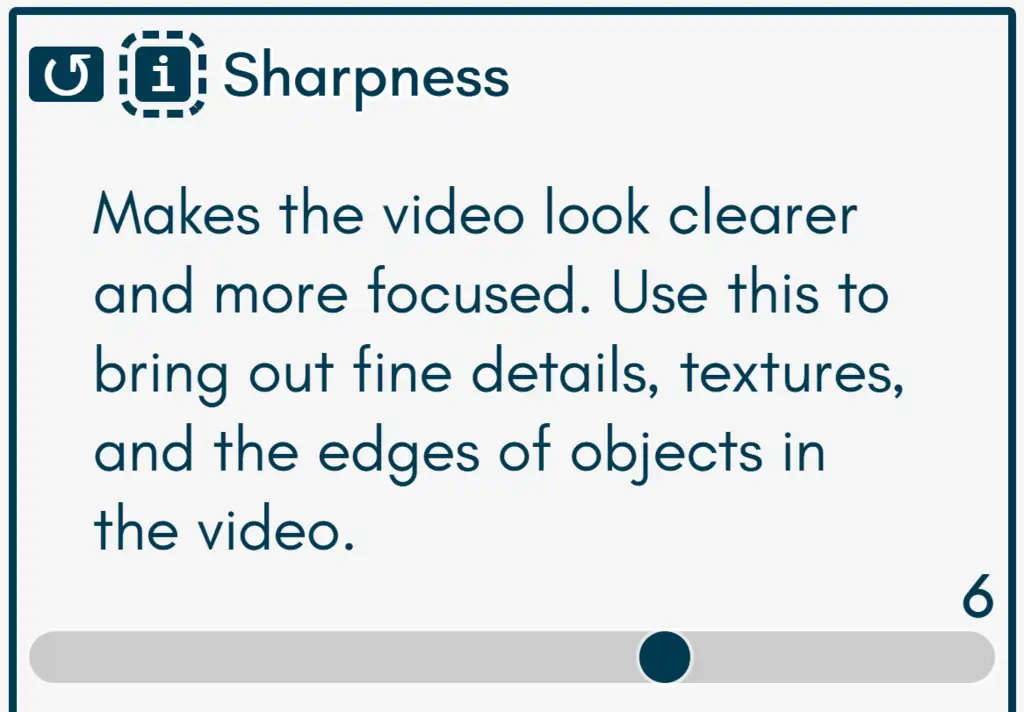
Unmatched Sharpness
The flagship feature! An advanced algorithm intelligently enhances edges and fine details without the artificial look of other tools. It's the reason users swear that this extension is "absolutely THE best."
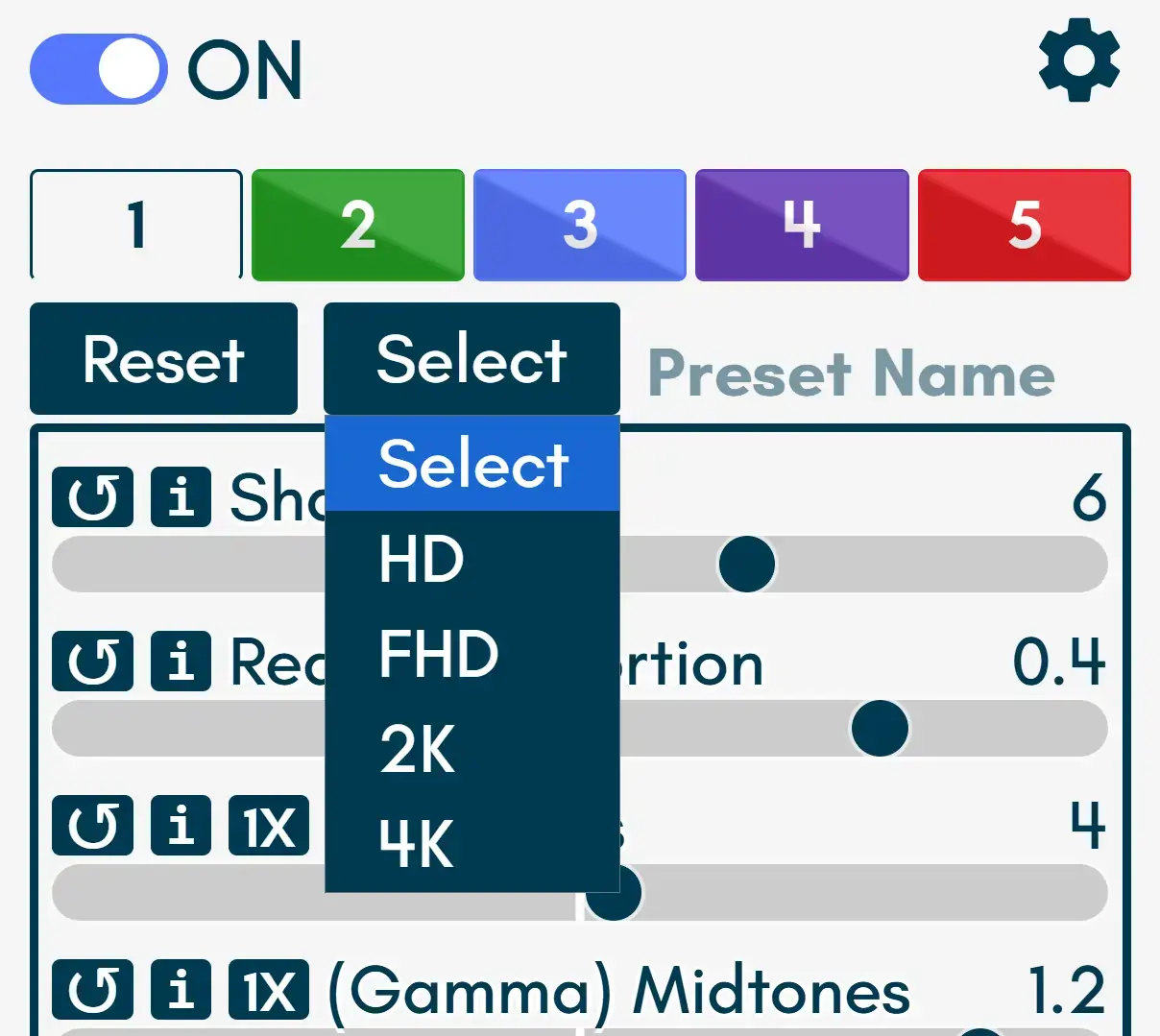
Simple for Everyone
Get an incredible picture instantly with One-Click Recommended Presets, expertly tuned to simulate an HD, FHD, 2K, and 4K video. For those who like to tweak, you can also save your own custom settings into 5 personal preset slots.
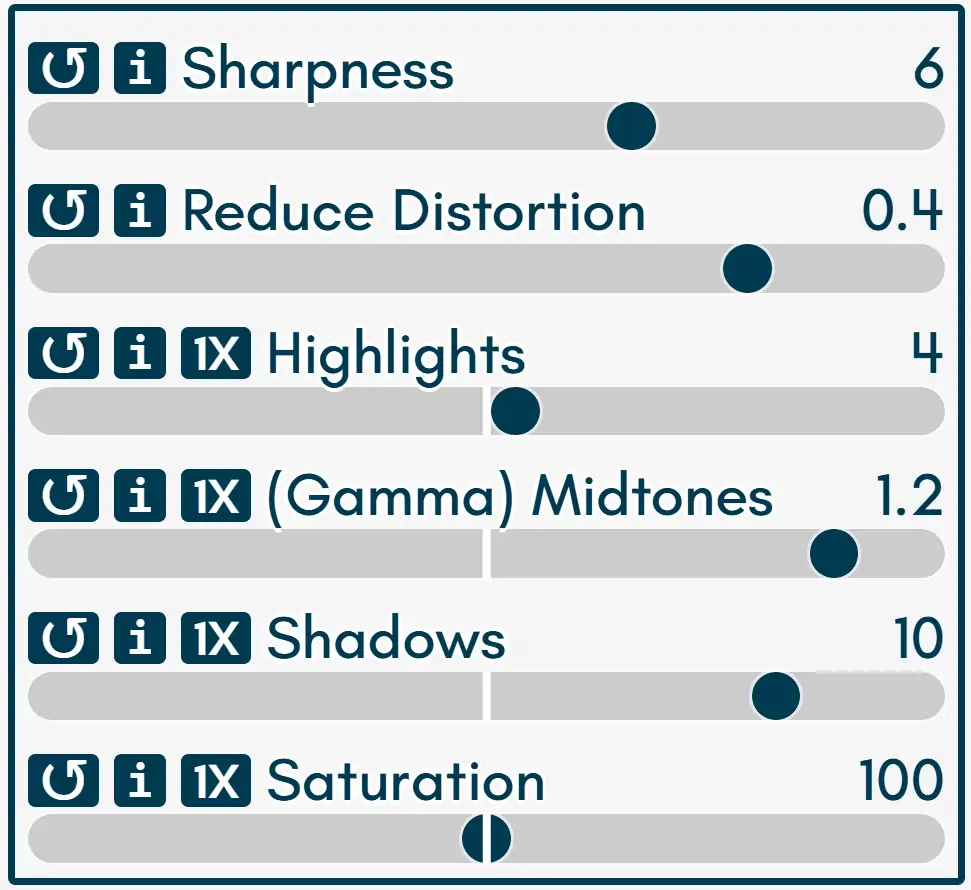
Total Lighting & Color Control
Go beyond presets by independently adjusting Highlights, (Gamma) Midtones, Shadows, and Saturation to fix scenes that are too dark or too bright and make colors pop.
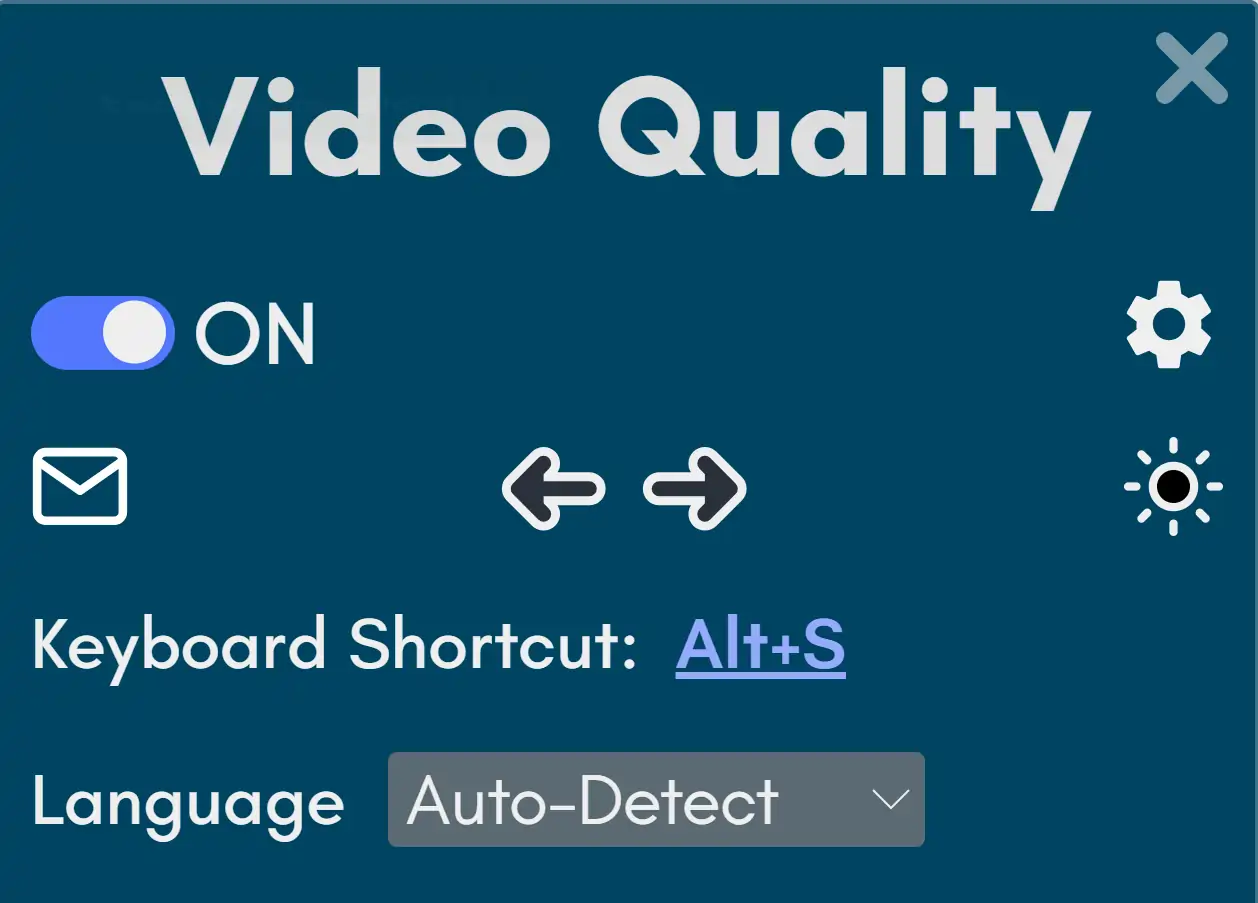
Set Up, Just the Way You Like It
Dark mode for dark websites. Place the panel left or right, away from video controls. Choose one of 20 languages. Change the keyboard shortcut, and more.
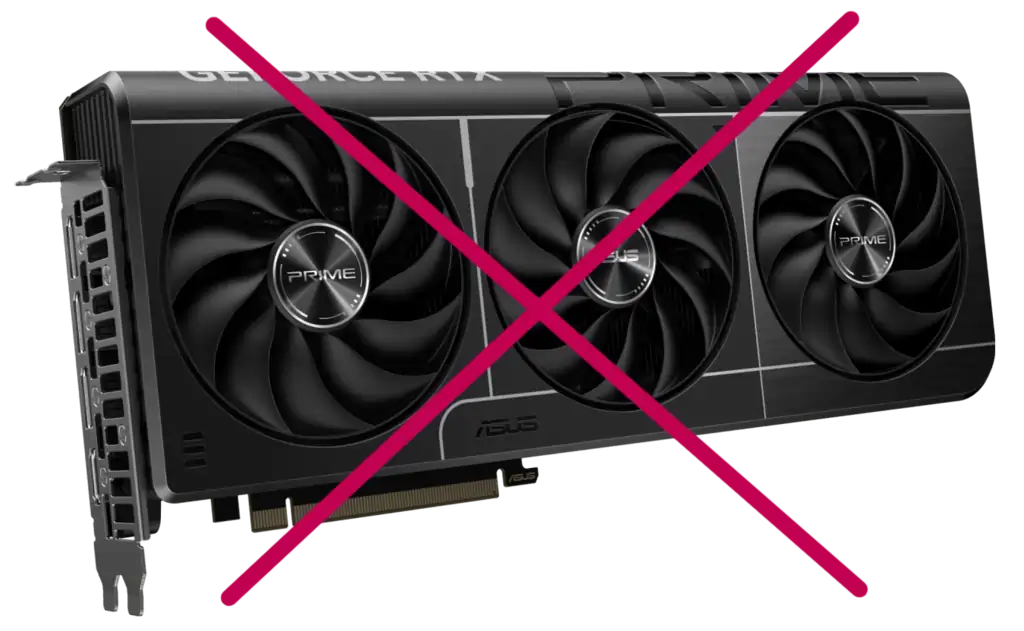
No Expensive GPU Required
You don't need a powerful NVIDIA or AMD graphics card for AI upscaling. The extension is engineered to be lightweight and efficient, producing stunning real-time enhancements, even on integrated GPUs.
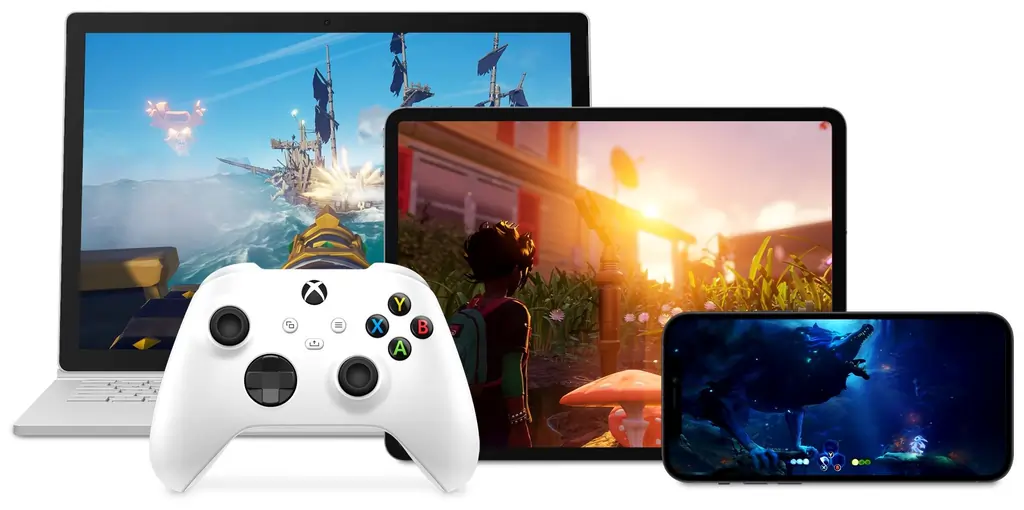
Optimized for Streaming & Gaming
Discovered by the users, the extension provides a real advantage for E-sports and Cloud Gaming streams. Experience "surreal" image quality and clarity that can give you a competitive edge.
Reviews From the Chrome Web Store

Ynaiã Leal
"I can't watch videos without this extension anymore. It's a must-have."
"I can't watch videos without this extension anymore. It's a must-have."

Dennis Hanrath
"Using 4k preset for 1080p or 1440p videos on my 4k oled is awesome, feels like 4k. Thanks!"
"Using 4k preset for 1080p or 1440p videos on my 4k oled is awesome, feels like 4k. Thanks!"

Volker Lange
"I play on a cloud gaming platform... the image became less blurry. Thank you to the developer of this extension, you are a genius!"
"I play on a cloud gaming platform... the image became less blurry. Thank you to the developer of this extension, you are a genius!"

JY. Film
"This the best quality-enhancing extension on the web store! I finally found the extension I’ve been looking for."
"This the best quality-enhancing extension on the web store! I finally found the extension I’ve been looking for."
Answering Your Questions
Will this slow down my computer?
No. The extension is built to be lightweight. By using your Chromium browser's built-in Hardware Acceleration (a setting that should be on by default), all the processing is done efficiently by your graphics hardware, not your CPU.
Does it work on Firefox?
No. Firefox and Firefox-based browsers do not use the GPU for this type of real-time video rendering. This technical limitation causes massive lag and can make your entire computer unresponsive, which is not the experience I want for you.
Does it actually increase the video resolution?
It enhances the clarity of the existing resolution. While it can't turn a 360p video into true 4K, its sharpening algorithm is so effective that users report it "makes 1080p videos look like 4K".
Does it have PIP, speed control, an equalizer?
No. Other extensions provide these features. The aim of the Visual Quality Enhancer is to excel at one thing, to make compressed videos look sharp and clear.
Have more questions? We're here to help
Choose Your Viewing Experience
Start for free, or upgrade to Pro for ultimate control
| Features | Basic | PRO |
|---|---|---|
| Enhance unlimited videos | ||
| Core enhancement sliders & pre-made filters | ||
| Custom User Presets | 1 | 5 |
| Smart website exclusion filters | ||
| Expanded slider ranges | ||
| Negative slider values | ||
| Enhance static images | ||
| Advanced edge correction |
An Incredible Upgrade For Less Than a Coffee
Which subscription works for you?
$1.99 / month
- Unlock all 5 custom presets
- Smart website filters & rules
- Access to all advanced settings
Best Value
$9.99 / year
- Save 60% (Get 7 months free)
- All Pro features included
- Set-it-and-forget-it convenience
$2.99 / month
- Unlock all 5 custom presets
- Smart website filters & rules
- Access to all advanced settings
Best Value
$14.99 / year
- Save 60% (Get 7 months free)
- All Pro features included
- Set-it-and-forget-it convenience
$3.99 / month
- Unlock all 5 custom presets
- Smart website filters & rules
- Access to all advanced settings
Best Value
$19.99 / year
- Save 60% (Get 7 months free)
- All Pro features included
- Set-it-and-forget-it convenience
$4.99 / month
- Unlock all 5 custom presets
- Smart website filters & rules
- Access to all advanced settings
Best Value
$24.99 / year
- Save 60% (Get 7 months free)
- All Pro features included
- Set-it-and-forget-it convenience
$5.99 / month
- Unlock all 5 custom presets
- Smart website filters & rules
- Access to all advanced settings
Best Value
$29.99 / year
- Save 60% (Get 7 months free)
- All Pro features included
- Set-it-and-forget-it convenience
$0.99 / month
- Unlock all 5 custom presets
- Smart website filters & rules
- Access to all advanced settings
Best Value
$4.99 / year
- Save 60% (Get 7 months free)
- All Pro features included
- Set-it-and-forget-it convenience
Cancel anytime with one click from your account page. No questions asked.
See What You've Been Missing
Don't settle for low quality another day.
Experience the dramatic improvement for yourself.
See every detail, in every video, every time.